Attribute for <AREA ...>
ALT = "text string"
| Usage Recommendation |
|---|
 use it use it |
ALT, which works just like
<IMG ALT="...">, indicates the alternative text to use for the link if the browser does not display the image (for example if the user is blind and uses a text browser). If you decide to put an imge map in your web page,
don't look like an amateur and leave out alternate text.
For example, the following <AREA ...> tag indicates that the alternate text is Contacts:
<AREA
   HREF="contacts.html" ALT="Contacts"
   SHAPE=RECT COORDS="6,116,97,184">
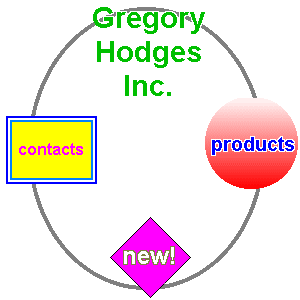
which gives us the rectangle in this map:
Some visual browsers do not utilize the ALT attribute but make user the TITLE attribute to display a prompt over the area, so it's a good idea to use both:
<AREA
   HREF="contacts.html" ALT="Contacts" TITLE="Contacts"
   SHAPE=RECT COORDS="6,116,97,184">
which gives us this map: