Chapter�14.�Accessibility
KDEAP (the KDE Accessibility Project) aims to ensure that KDE, as a desktop environment, is accessible to all users, including those of us with physical disabilities. In addition to the accessibility aids in the Control Center, KDE has several other accessibility tools, which are available in the KDE-Accessibility package. This package may not be installed on your computer; if it is not, you can download it from here:
For more information on the project, visit the
KDE Accessibility Home Page.
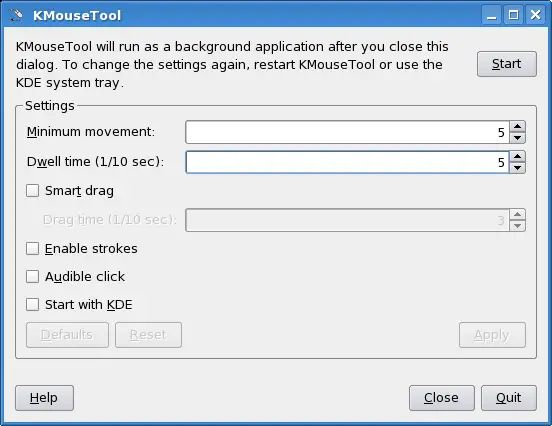
KMouseTool is a KDE program, which clicks the mouse for you, so you
do not have to. KMouseTool works with any mouse or pointing device.