|
Groups: Managing Access Permissions
| |
Every file and folder in a GNU/Linux system belongs to a single group.
Each user is also a member of one or more groups. Groups are used to
control collections of users who may have access to particular files,
folders, and services.
A Debian GNU/Linux system creates some standard groups and users. The
system administrator can also create new users and may also create new
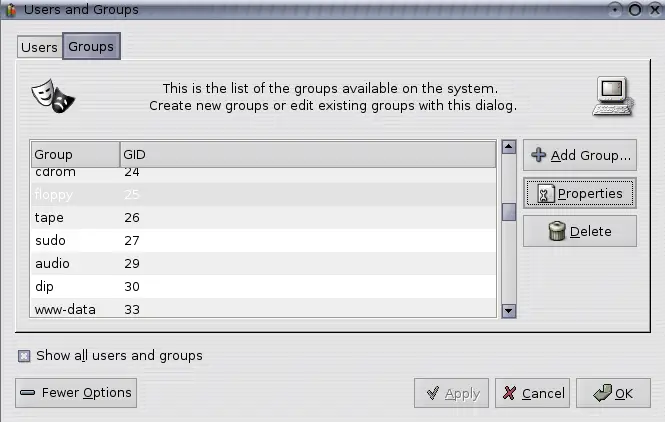
groups. Groups can be managed using the Gnome users-admin
tool, accessed from Applications-->System Tools-->Users and Groups. By
default this shows only users, but you can access groups by selecting
the More Options button. This allows you to add new groups
and to add and remove users from groups.
Figure 44.1:
Gnome interface for managing GNU/Linux groups.
|
|
Subsections
Copyright © 1995-2006 [email protected]
|