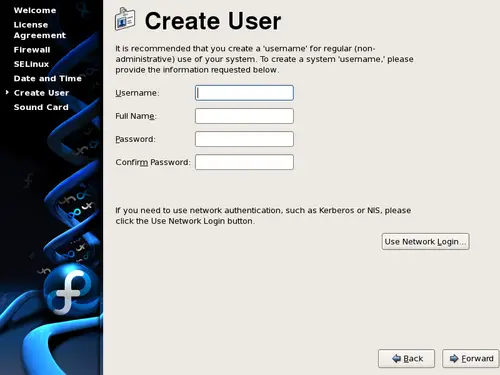
Create a user account for yourself with this screen. Always use
this account to log in to your Fedora Core system, rather than using the
root account.
Enter a user name and your full name, and then enter your chosen
password. Type your password once more in the
Confirm
Password
box to ensure that it is correct. Refer to
Chapter 14, Set the Root Password
for guidelines on selecting a
secure password.
![[Tip]](./stylesheet-images/tip.png)
|
Creating Extra User Accounts |
|
To add additional user accounts to your system after the
installation is complete, choose
→
→
.
|
To configure Fedora Core to use network services for authentication or
user information, select
Use Network
Login...
.