Contents


On-line Guides
All Guides
Linux for Beginners
Office Productivity
Linux Installation
Linux Security
Linux Utilities
Linux Virtualization
Linux Kernel
System/Network Admin
Programming
Scripting Languages
Development Tools
Web Development
GUI Toolkits/Desktop
Databases
Mail Systems

How To Guides
Xen Virtualization
General System Admin
Linux Security
Linux Filesystems
Web Servers
Graphics & Desktop
PC Hardware
Problem Solutions


Grokking The Gimp
Previous Page Home Next Page

1.1.3 The Layers, Channels, and Paths Dialogs

The Layers, Channels, and Paths  dialogs are very important tools in the GIMP. These dialogs can be displayed by selecting Layers & Channels   from the Image:Dialogs menu or by typing C-l in the image window and selecting the appropriate tab. The three dialogs are shown in Figures  1.3(a), (b), and (c).

  
Figure 1.3: The Layers, Channels, and Paths Dialogs
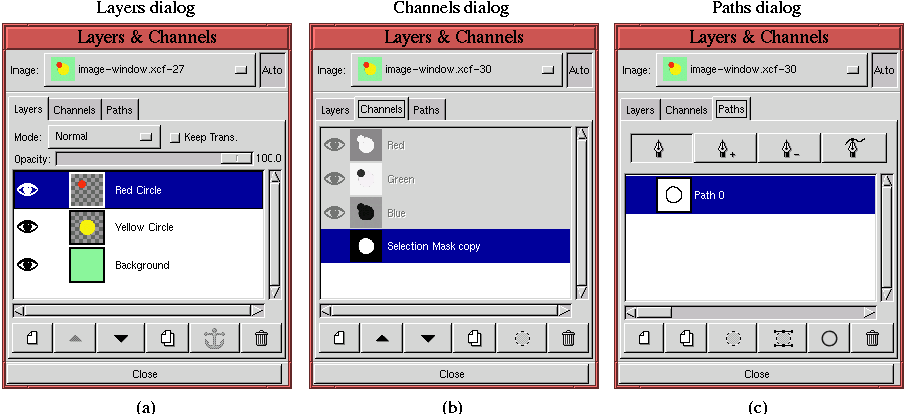
Figure 1.3

The Layers dialog  is discussed in detail in Section  2.1.1, the Paths dialog in Section  3.4, and the Channels dialog in Section  4.1.1.

Grokking The Gimp
Previous Page Home Next Page


  Published under the terms of the Open Publication License Design by Interspire