In addition to vncviewer, you can
also connect to a user's Windows or Linux desktop using Terminal Server Client, which is available
through (the main menu on the
panel) => => .
The Terminal Server Client serves as
a graphical interface to the command line programs vncviewer and rdesktop, and
can be accessed from the command line using the tsclient command.
Terminal Server Client is a GNOME 2
application for remotely accessing Microsoft Windows NT/2000™
Terminal Services and XP Remote Desktop Sharing™ using the
Remote Desktop Protocol (RDP). It also supports connections using
other remote desktop methods such as vnc,
Xnest, and the Citrix
ICA™ client.
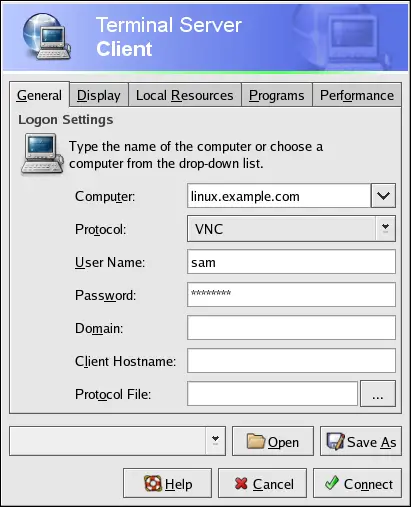
The minimal configuration for a user named "sam" connecting to a
Linux desktop named linux.example.com
using the VNC protocol is shown in
Figure 5-3.
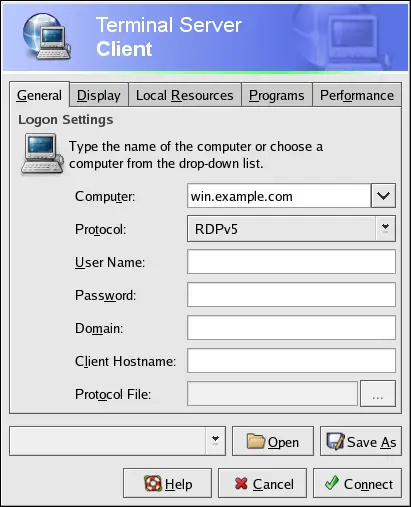
The minimal configuration for a user named "sam" connecting to a
Windows 2000™ desktop named win.example.com using the RDPv5 protocol is shown in
Figure 5-3.
After choosing Connect, you will be
prompted for a user name and password.
 |
Note |
| |
The user account with which you connect to the terminal server
must have administrative privileges on the
machine to which you are connecting.
|